Best Laptops for Students, Professionals and Everyday Use
The modern laptop market has reached an unprecedented zenith of performance, thermal efficiency, and display excellence. Where consumers previously had to compromise between featherlight portability and sustained computational muscle, contemporary silicon advancements—spanning Qualcomm Snapdragon X series, Apple M-series, Intel Core Ultra (Meteor Lake and Lunar Lake), and AMD Ryzen AI architectures—have fundamentally altered the computing paradigm.
Selecting the optimal laptop requires evaluating key architectural components: CPU microarchitecture, memory bandwidth, thermal dissipation capacity, keyboard ergonomics, and display accuracy. In this guide, our editorial lab dissects the top contenders across distinct user profiles, outlining exact trade-offs and practical buying considerations.
Top Laptop Categories at a Glance
Modern computing demands vary dramatically depending on whether your day involves compiling thousands of lines of code, crunching financial spreadsheets, attending university lectures, or streaming 4K media while managing 40 browser tabs.
| Category Profile | Primary Recommendation | Key Spec Highlights | Battery Life (Tested) | Target Audience |
|---|---|---|---|---|
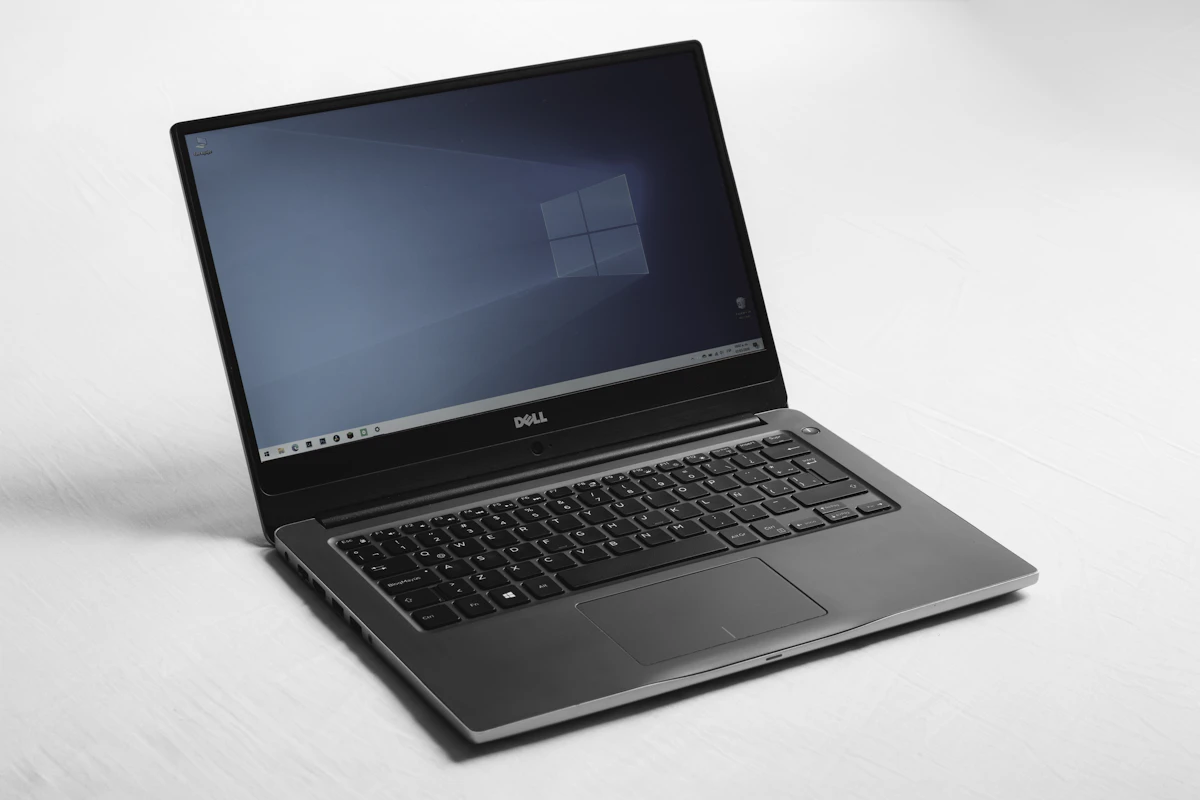
| All-Round Productivity | Dell XPS 14 / MacBook Air M3 | Core Ultra 7 / M3, 16GB RAM, OLED/Liquid Retina | 15–18 Hours | General users, corporate travelers, writers |
| Student Budget Champion | Lenovo IdeaPad Slim 5 | AMD Ryzen 7 8845HS, 16GB DDR5, 512GB NVMe | 12.5 Hours | University students, high schoolers, educators |
| Creative Professional Powerhouse | Apple MacBook Pro 16 / ASUS ProArt | M3 Max / Core Ultra 9 + RTX 4080, 64GB RAM | 11–17 Hours | Video editors, 3D artists, machine learning devs |
| Ultra-Slim Mobility | Lenovo ThinkPad X1 Carbon Gen 12 | Intel Core Ultra 7 155H, 32GB RAM, 2.8K OLED | 13.5 Hours | Enterprise executives, frequent fliers |

Laptops for Students: Balancing Budget, Battery and Longevity
For students, a laptop is not merely a note-taking device; it is a portable lecture hall, research laboratory, and social portal. Three critical metrics dictate the ideal student machine:
1. Real-World Battery Endurance
Classroom desks rarely feature convenient AC outlets. A student machine must survive an entire 8:00 AM to 5:00 PM schedule without low-battery anxiety. Devices utilizing modern high-efficiency cores consistently achieve 12 to 16 hours of mixed productivity, encompassing web research, Google Docs editing, document markup, and background Spotify streaming.
2. Durability and Keyboard Tactility
Carried in crowded backpacks alongside heavy textbooks and stainless-steel water bottles, chassis rigidity is paramount. Look for laptops meeting MIL-STD-810H environmental drop and vibration specifications. Furthermore, lengthy term papers necessitate keyboards with at least 1.3mm to 1.5mm key travel, crisp scissor-switch actuation, and subtle keycap dishing to prevent finger fatigue.
3. Display Comfort and Anti-Glare Coatings
Fluorescent lecture hall lighting causes severe eye strain on glossy reflective panels. Matte anti-glare coatings or high-brightness panels delivering at least 400 nits of peak luminance ensure legible text outdoors or under direct overhead lighting.
Professional Laptops: Security, Multitasking and Thermal Management
Corporate power users, software developers, and data scientists place vastly different demands on portable hardware. For professional environments, consumer-grade compromises can lead to lost productivity and security compliance breaches.
The Rise of Neural Processing Units (NPUs)
The latest generation of business laptops integrates dedicated silicon NPUs capable of accelerating local artificial intelligence inferencing tasks. These NPUs handle local LLM queries, automated real-time audio noise suppression, biometric background blur in Zoom/Teams conferences, and predictive text completion without placing thermal overhead on the primary CPU and GPU cores.
Memory Capacity and NVMe Throughput
While 8GB of RAM was acceptable five years ago, the minimum professional baseline is now undeniably 16GB, with 32GB strongly recommended for software development, virtualization, or multi-tab data analytics. High-speed PCIe Gen 4.0 and Gen 5.0 solid-state drives operating above 5,000 MB/s sequential read rates dramatically reduce project build times and system responsiveness.

Everyday Computing: The Sweet Spot of Value
For households, casual browsing, personal finances, and multimedia streaming, spending upwards of $2,000 is unwarranted. The “sweet spot” of consumer laptops currently rests between $650 and $950. In this price bracket, buyers should demand:
- Processor: AMD Ryzen 5/7 (7000/8000 series) or Intel Core Ultra 5 / Core i5 (13th/14th Gen).
- RAM: Minimum 16GB dual-channel LPDDR5/DDR5 memory. Avoid soldered 8GB configurations that cannot be upgraded.
- Storage: Minimum 512GB PCIe NVMe SSD.
- Display: 1920x1200 (16:10 aspect ratio) IPS panel with 100% sRGB color gamut and minimum 300 nits brightness. Avoid washed-out 250-nit TN panels.
- Ports: At least two USB-C ports with Power Delivery and DisplayPort alt-mode, accompanied by traditional USB-A ports for legacy peripherals.
Architectural Trade-Offs: ARM vs x86
The computing industry is undergoing its most profound architectural divergence in two decades. Apple demonstrated the viability of ARM-based personal computing with Apple Silicon, and Qualcomm’s Snapdragon X Elite has introduced true architectural parity to the Windows ecosystem.
Advantages of ARM-Based Laptops
- Unparalleled idle power draw, translating to multi-day standby times and 18+ hours of video playback.
- Substantially cooler chassis temperatures and virtually silent fan operation under moderate workloads.
- Instantaneous wake-from-sleep latency identical to modern smartphones.
Advantages of Traditional x86 (Intel / AMD)
- 100% native compatibility with legacy x86 enterprise applications, specialized scientific instrumentation software, and anti-cheat gaming engines.
- Broader hardware driver ecosystem for niche industrial USB peripherals and legacy display adapters.
- Superior raw multi-threaded sustained performance in high-wattage desktop replacement form factors.
How We Evaluate and Test Laptops
Our testing protocol combines rigorous synthetic hardware benchmarks with repeatable, real-world productivity simulation:
- Battery Rundown Testing: We calibrate the display to a standardized 150 nits of brightness and loop an automated multi-tab Chromium browsing script over continuous Wi-Fi until shutdown.
- Thermal and Acoustic Stress: Sustained 30-minute multi-core rendering loops in Cinebench 2024 to assess thermal throttling, surface skin temperatures (via FLIR thermal imaging), and fan acoustic decibels.
- Display Colorimetry: Precision testing using Klein K10-A colorimeters and Portrait Displays Calman software to verify Delta E color accuracy, sRGB, DCI-P3 coverage, and contrast ratios.
Final Purchasing Checklist
Before entering your credit card details, verify these critical specifications:
- Is the RAM upgradeable via SO-DIMM slots, or is it soldered on-package? If soldered, purchase 16GB or 32GB upfront.
- Does the display use a modern 16:10 or 3:2 aspect ratio? Taller screens provide approximately 11% more vertical reading space than outdated 16:9 widescreen panels.
- Does the charging protocol utilize universal USB-PD standards? Proprietary barrel chargers should be avoided in favor of versatile 65W–100W USB-C chargers.